A · DENOISE
Clear voice, every time.
Your voice stays warm and natural. Background noise — fans, traffic, AC, keyboard clatter — disappears. Powered by DeepFilterNet, the same class of model used by professional broadcast tools.
BEFORE
AFTER
Denoise uses an on-device neural network to strip wind, traffic, hiss, hum and crowd noise from voice memos, interviews and videos. Import, clean and hear the full result free — you only pay to export.
Denoise targets the patterns of human speech and pulls everything else away — without the watery, robotic artifacts older noise reducers leave behind.
Your voice stays warm and natural. Background noise — fans, traffic, AC, keyboard clatter — disappears. Powered by DeepFilterNet, the same class of model used by professional broadcast tools.
Recorded a video on a windy beach? An interview in a busy café? The model was trained on thousands of hours of exactly those environments, so it knows what to remove and what to keep.
For recordings that are clipped, muffled or recorded too far from the mic, the Pro engine rebuilds detail — even adding back high frequencies that weren't captured. The "I can't re-record this" rescue tool.
Tap a card to play the original. Tap After while it's playing to hear what Denoise does to it — instantly.
A clear reading buried under steady, broadband room noise.
The same voice over a low-frequency street and traffic rumble.
A constant fan / electronic hiss running through the whole take.
Bright, broadband room noise and air-handling hum.
Demo voices: public-domain LibriVox audiobook recordings, mixed with real CC0 background noise (freesound.org, via DeepFilterNet assets). The “after” in every card is the real, unedited output of our on-device DeepFilterNet engine — no extra editing.
The whole point is that you don't have to learn anything. The model does the work; you tap a button.
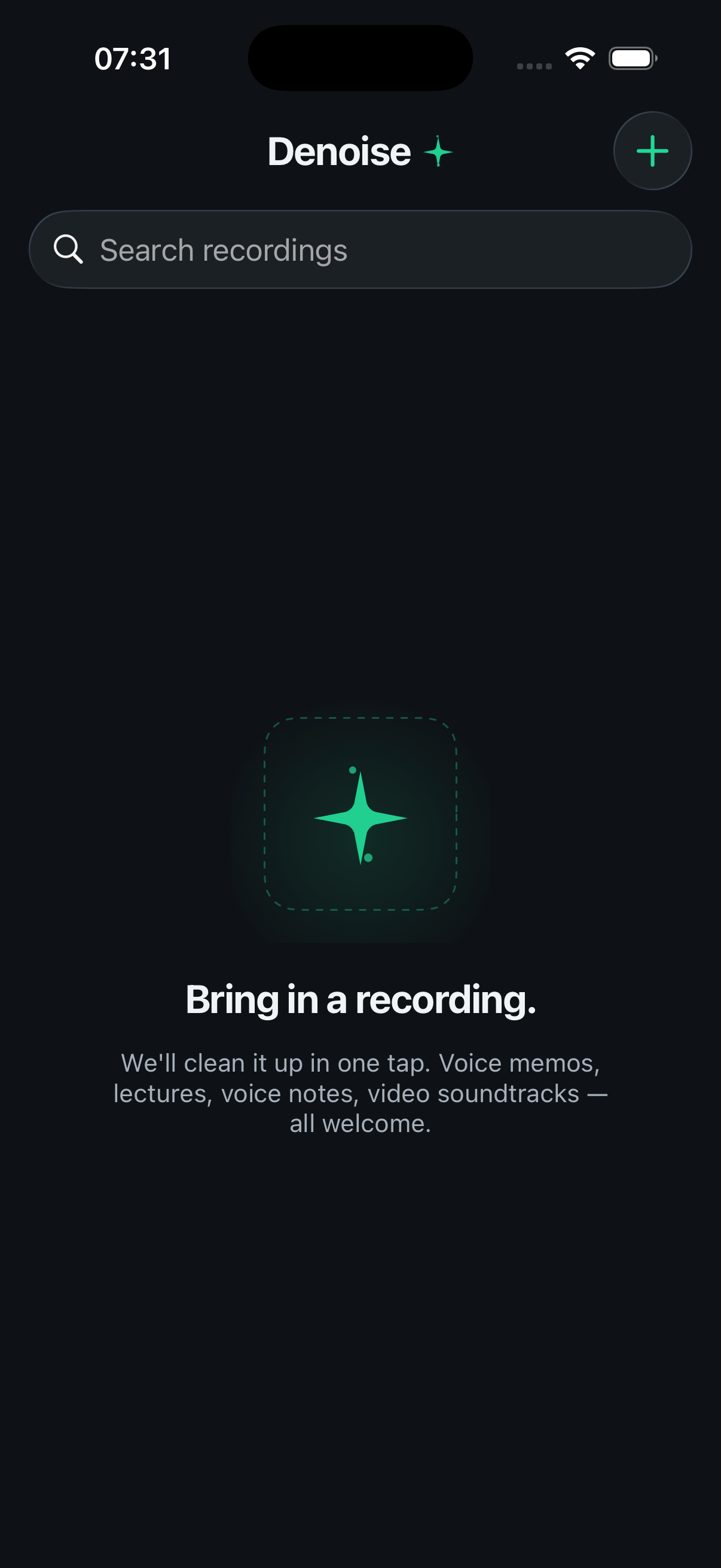
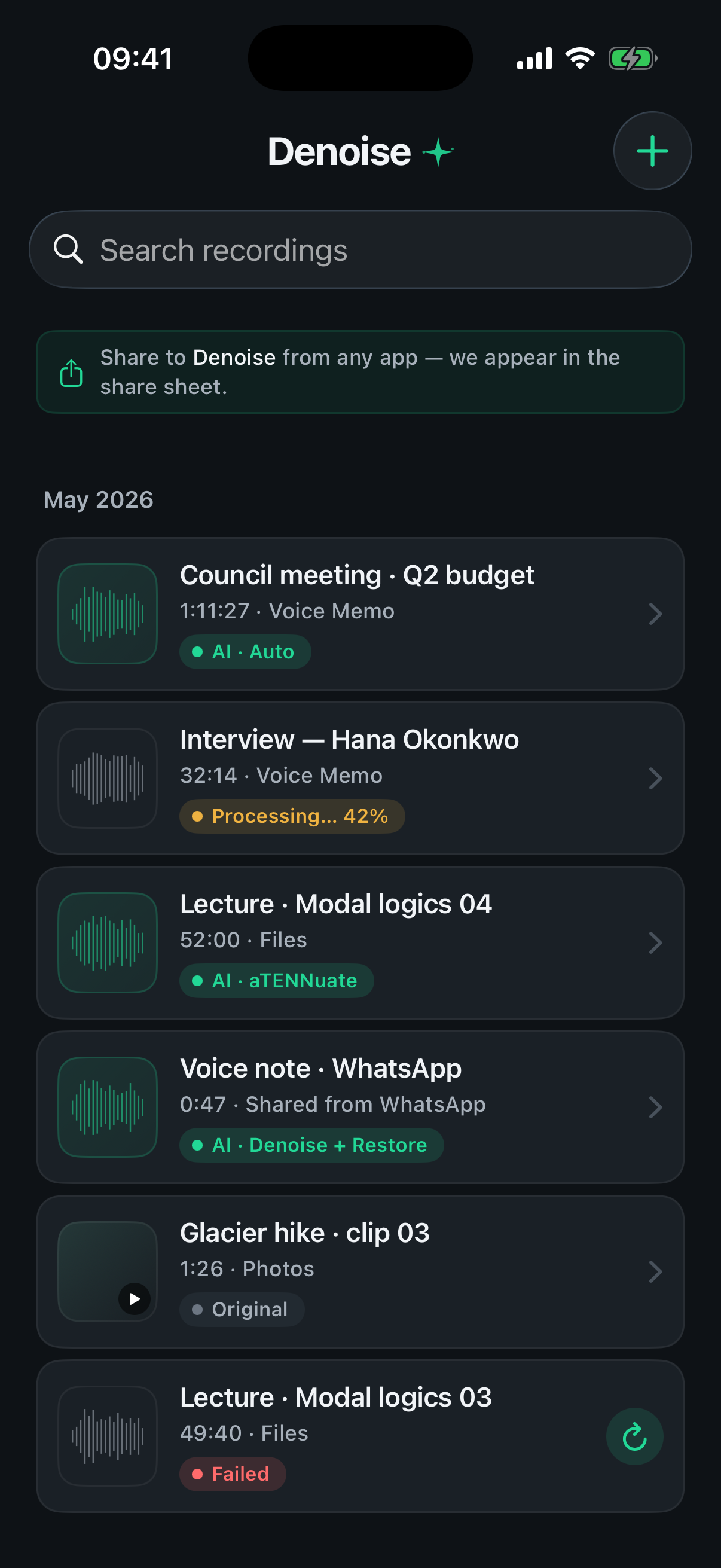
From Voice Memos, Photos, Files, or any app's share sheet. Voice memos, lectures, voice notes, video soundtracks — all welcome.
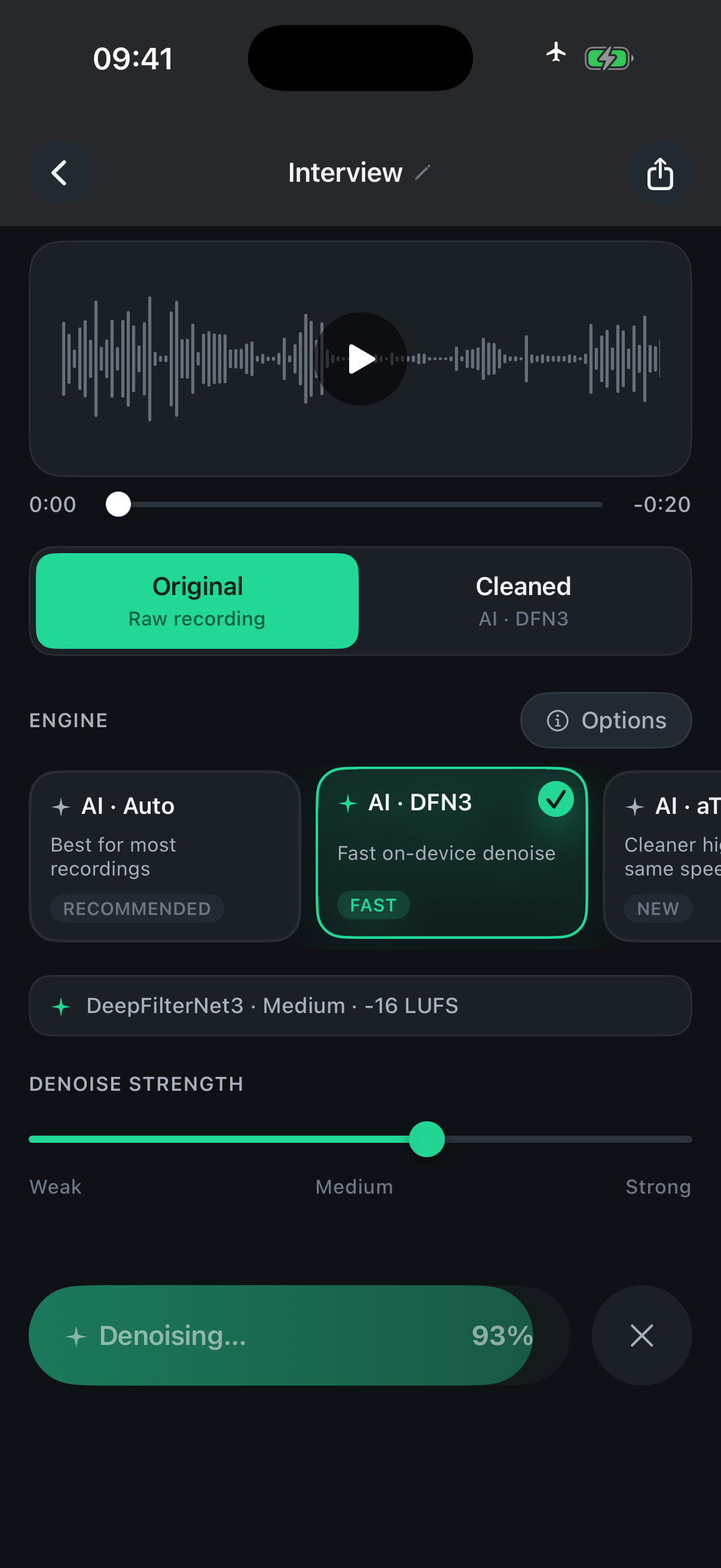
One tap. The model runs on your device — even in airplane mode. Typically 5–10 seconds for a one-minute clip.
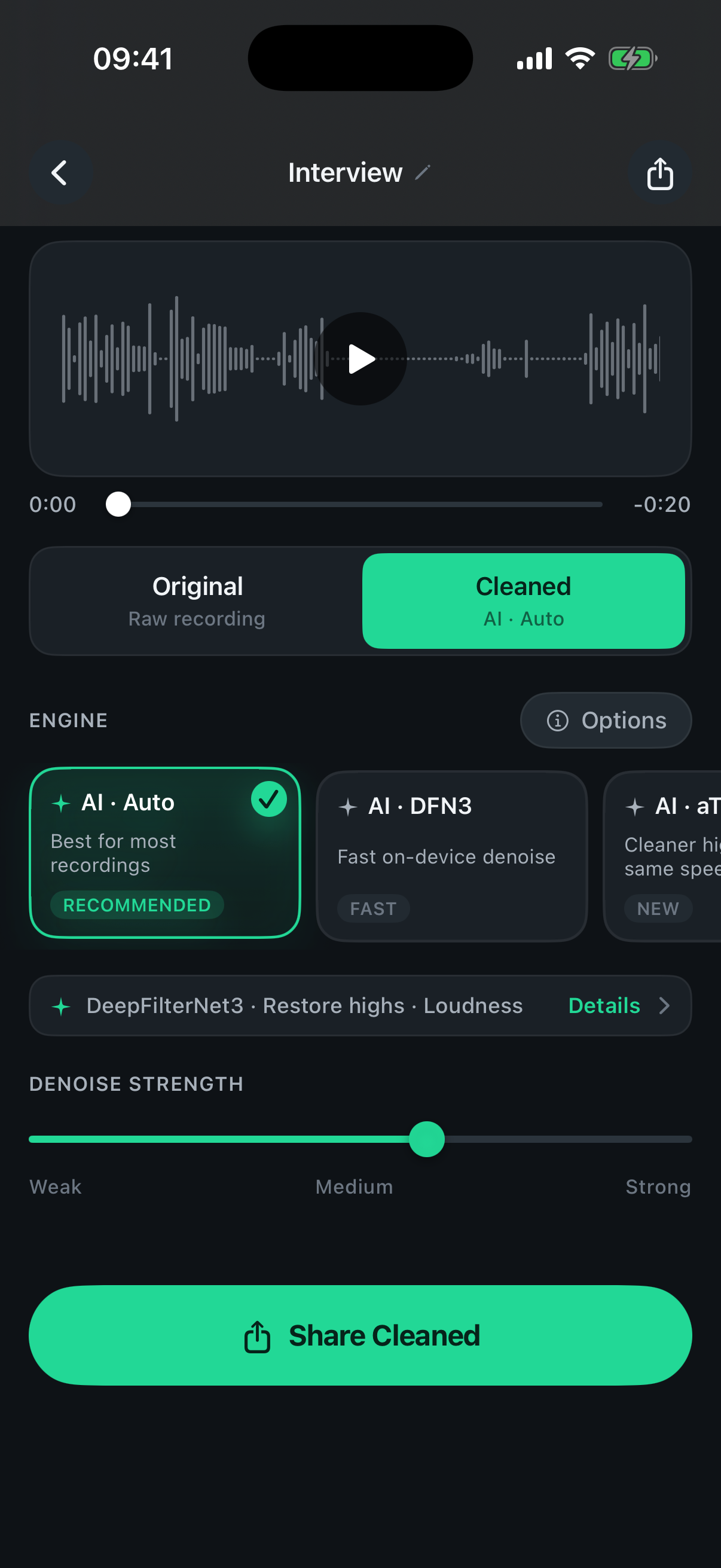
Compare before and after, then save, share, or replace the audio in your video. Exporting is the only thing Pro unlocks.
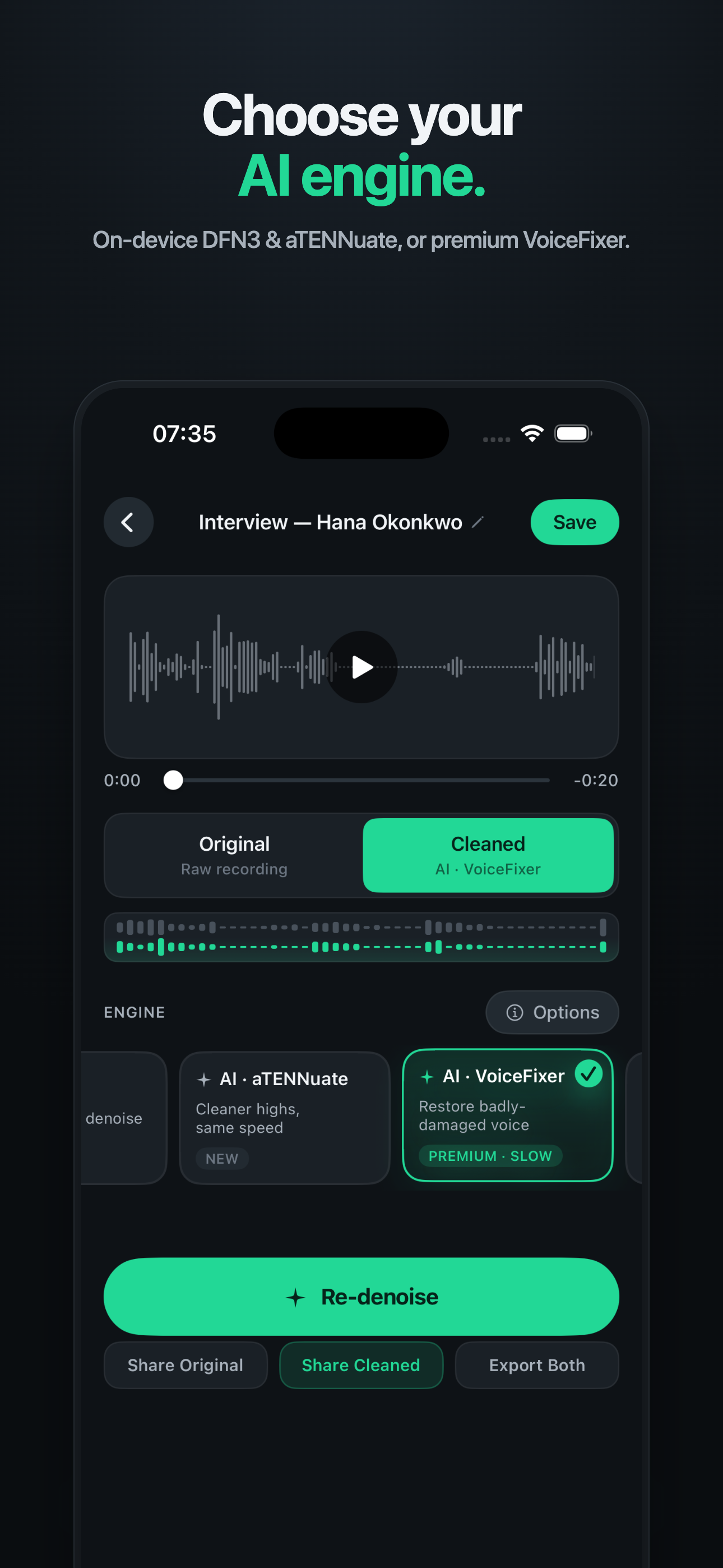
Auto picks the right model for your recording. Or choose it yourself — fast everyday cleanup, cleaner highs, or premium restoration for audio you thought was unusable. Then dial in strength, EQ and loudness.
Picks the right model for your recording. The one-tap default.
Fast on-device denoise for everyday voice memos and clips.
Cleaner highs at the same speed — crisp dialogue and detail.
Rebuilds badly damaged, clipped or muffled audio.
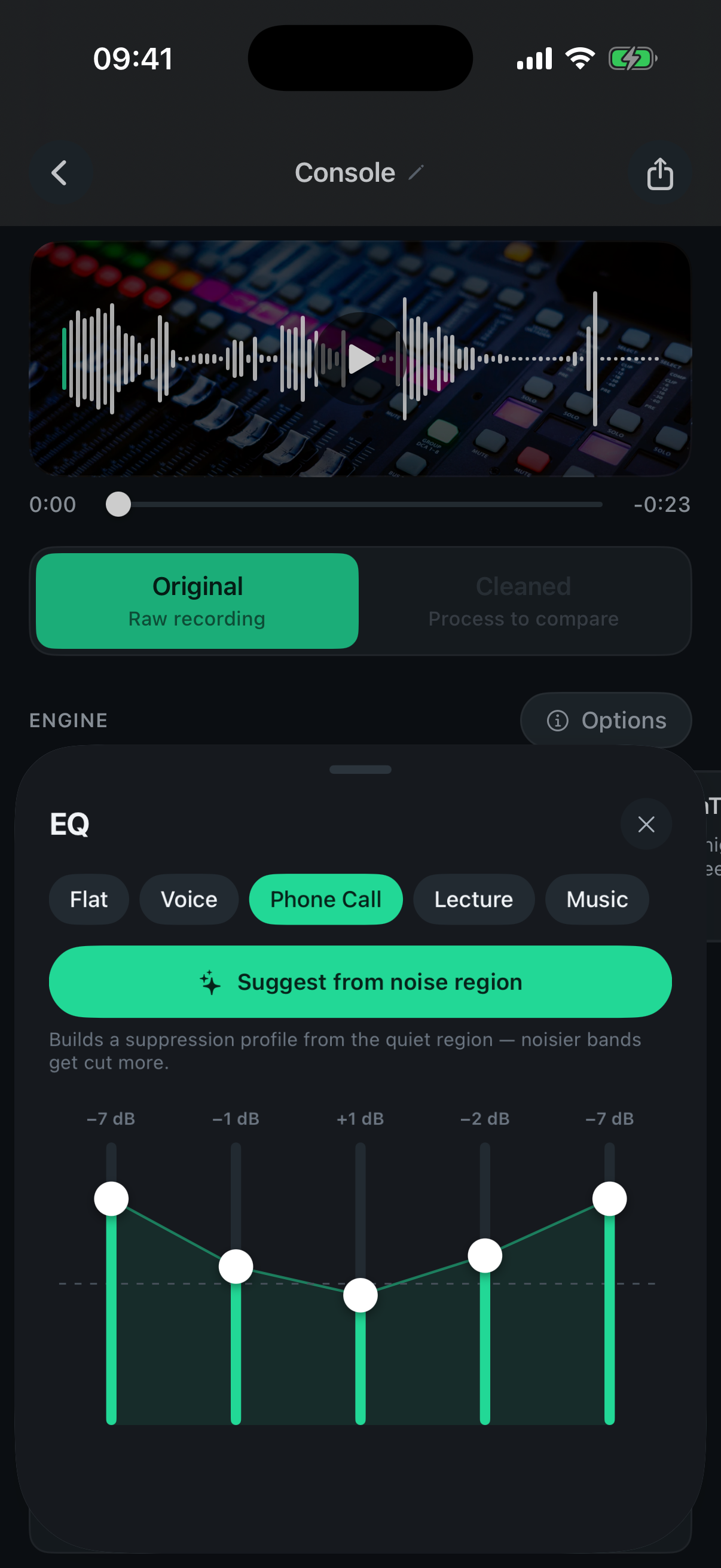
A 5-band EQ with Voice, Phone Call, Lecture and Music presets — plus “suggest a profile from the quiet part” so the noisier bands get cut more. Optional, for when you want it.
Automatic LUFS loudness normalization (−16 default, or −14 / −19 / −23) so every export lands at a consistent, platform-ready level. No guessing at gain.
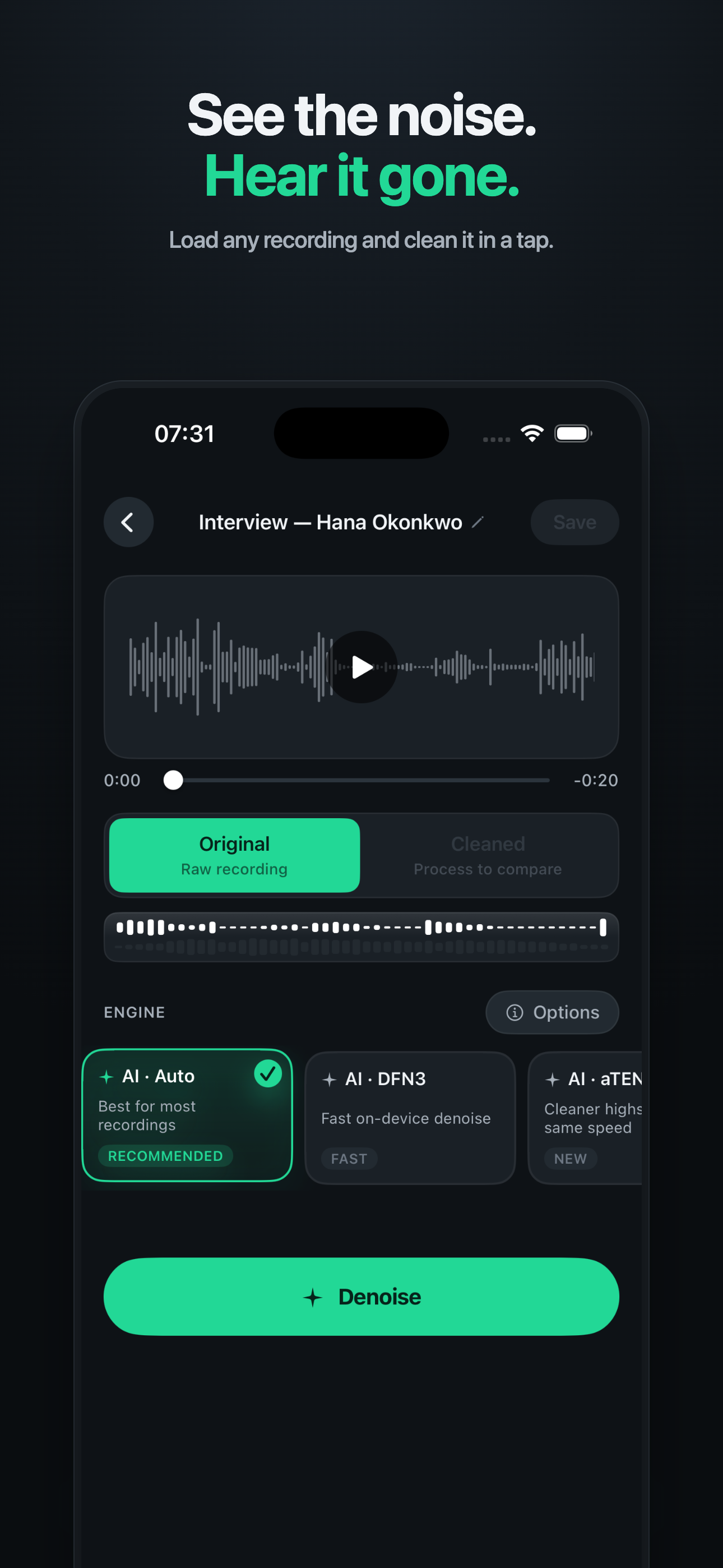
Toggle Original against Cleaned instantly and watch the strength slider work — so you trust the result before you ever export it.
Denoise now separates a track into vocals and instrumental — right on your phone. Pull a clean vocal out of a song or video, or drop the vocal for an instrumental and karaoke version. No stems to wrangle, no studio, nothing uploaded.
Lift a clean acapella from any mix.
Make an instrumental or karaoke track.
On-device source separation · works on song or video soundtracks
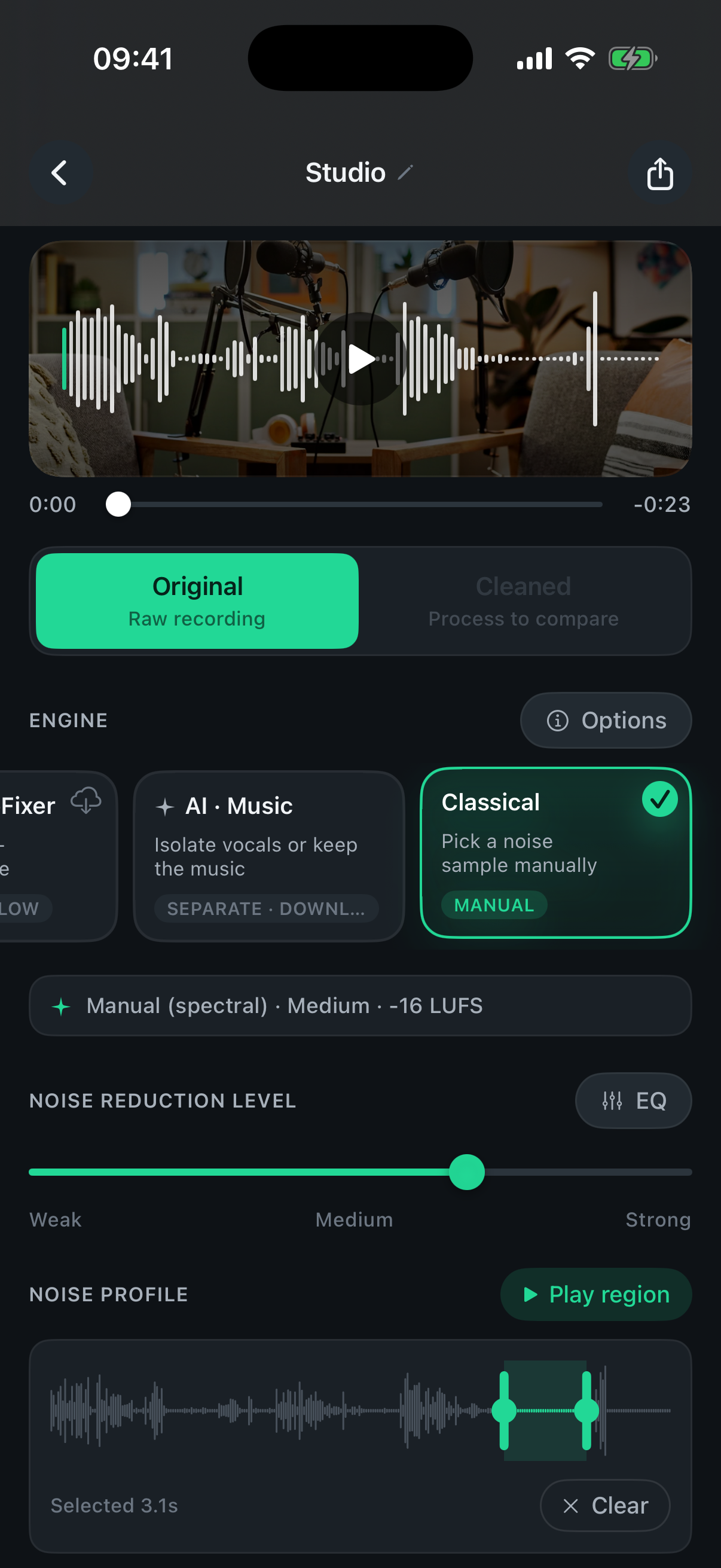
Demo track: “Same Boat” by Josh Woodward (CC BY 4.0) — separated on-device by Denoise.
Five jobs Denoise was built for. If yours isn't here, it probably still works — try it free.
Cut hours of post-production. Run a whole episode on the train home.
Reels, TikToks and Shorts that sound like you used a $300 mic.
Salvage interviews recorded in less-than-ideal rooms. Hand a clean track to your transcription tool.
Lecture recordings you can actually study from — even from row 20.
That holiday video. That toddler's first words. That voice memo you can barely hear.
Krisp is great for live calls. Adobe Podcast is great if you don't mind uploading. Denoise is for the file already sitting in your Voice Memos.
| Denoise | Krisp | Adobe Podcast | CapCut | |
|---|---|---|---|---|
| Runs offline on phone | — | — | Basic | |
| Removes noise from existing recordings | — | Basic | ||
| Separates vocals from music | — | — | Basic | |
| No account / no upload | — | — | — | |
| Free to try on your own file | — | |||
| Pricing | $2.99/mo or $49.99 once | $8 / mo | Subscription | Ads or Pro |
Updated 2026-06. Competitor details from public marketing pages and may change.
Denoise runs the AI model directly on your iPhone — using the same Neural Engine that powers Face ID. Nothing is sent to a server. Nothing is stored on ours. (There isn't a server.) Yes, that includes the premium Restore engine.
No trial countdown. Import, denoise and listen to the full before/after for free — on your own recording. You only pay when you want to save or share the cleaned result.
Saving and exporting the result needs Pro →
Download freeTwo ways to go Pro: $2.99/mo or a one-time $49.99 lifetime unlock. Both unlock the same features. No annual plan, no trial.
Pulled straight from the public App Store reviews — unedited, lightly trimmed. Overall rating and review count to be confirmed from App Store Connect.
I record on my balcony and there is a lot of background traffic and wind noise. All gone! Within a minute of using the app!
I bought a USB microphone but this made little difference… As a last resort I downloaded Denoise on my phone and was pleased to find it improved sound quality by a HEAP, got rid of all the background noise and static… highly recommend if you are filming videos and want them to be professional.
Best one I could find on iOS and straightforward to use… all the other apps left the remaining audio sounding like robots.
This is great for canceling noise in the background with the mic that I have. It catches a lot of hiss and this app cleans that up very nice for very close to cinematic sound.
This app is incredible for the price, removed a lot of distracting noise from my audio including a TV in the background which is hard to do.
Better than others because you can adjust the level of noise removal.
Anything else? support@routes.tips — we read every email.
Free to download. Import, clean and listen to the full result before you pay a cent. iPhone, iPad & Android.